17/05/2026
Kwote
Configuration Pannel
New Configuration Button

This new icon allows you to access the new configuration pannel.
This allows users to have increased control over how the quotes are displayed over images.
The added features are shown below:
Configuration Pannel
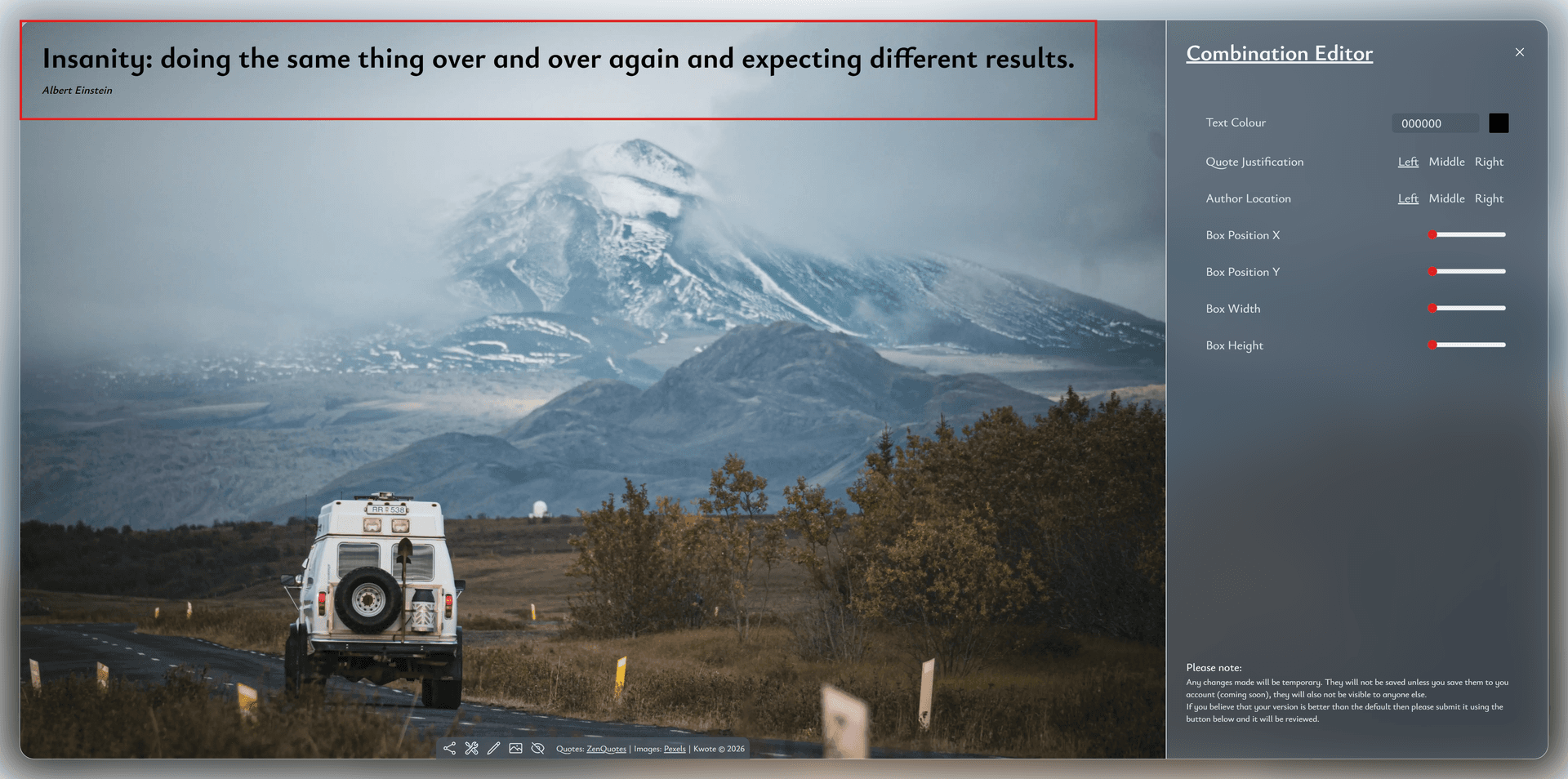
Once you press the edit configuration button the configuration pannel will appear.
Also, a red box appears over the image which shows the boundaries the quote is placed in.
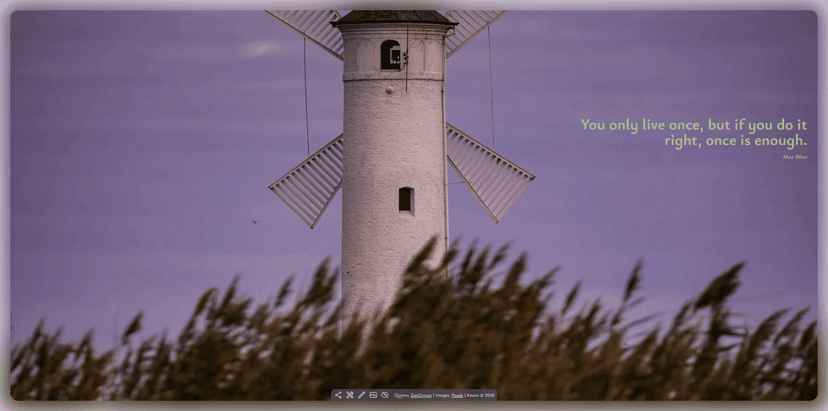
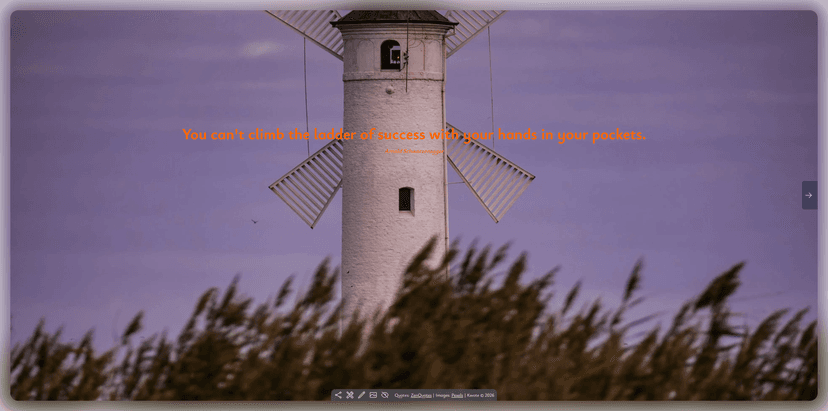
Previously images where placed on a grid system. This meant that quotes were limited to one of 17 different locations. (1x5 and 3x4 grids)
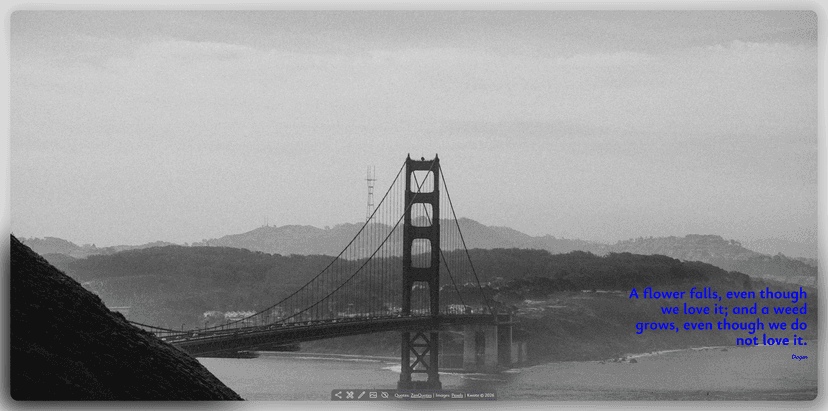
Now quotes are placed using a boundry box which is shown on the image.
This box has a width, height and coordinates of where the top left corner is located. (Distance from left, distance from top)
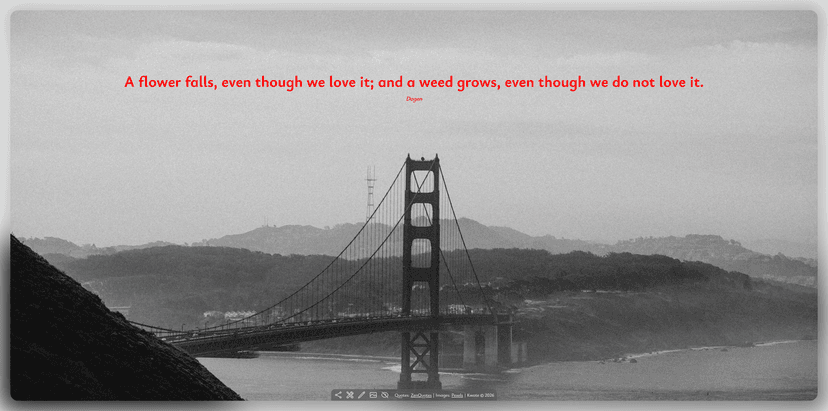
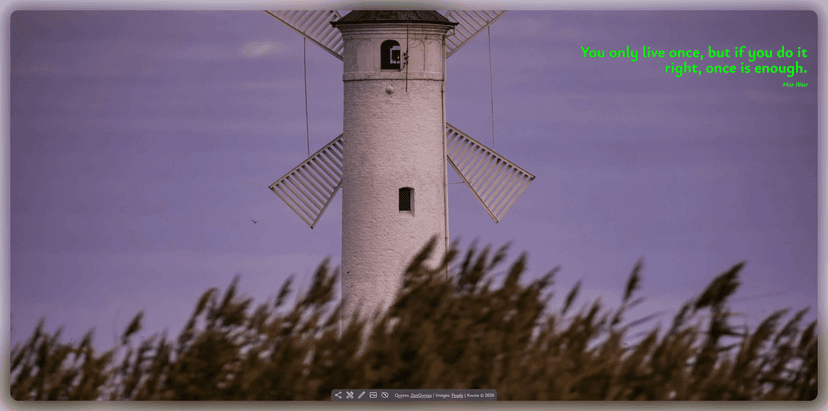
All these parameters and also the author justification, quote justification and quote colour can be controlled within the configuration pannel.
Please note, this feature is not yet availible on mobile. Additionally the share function does not work with any edits made.
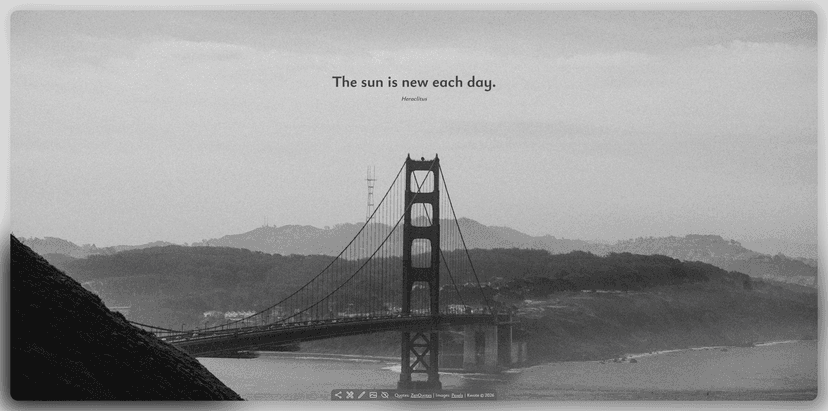
Gallery
Other Updates
- Added blurred border around big screens
- Updated default quote locations
- Updated default quote colours
- Fixed footer on small devices
- Added swiping for touchscreen devices
- Other accessability improvements
This major update has taken a while to complete, the next updates are likley to be smaller.
There are still plans for at least 2/3 more major updates. I cannot guarantee a timeline.