18/01/2025
Kwote
More Control
New Control Bar

This new footer is now the early form of the control bar. This will be where various features can be controlled from all in one unobtrusive footer.
The addded features are Share, Lock Quote, Lock Image and Hide Toolbar. Here is an explanation of what each one does.
Sharing's Caring
Pressing the share button brings up a window with a link.
You can either copy the link yourself or press the clipboard icon to quickly copy it.
When you share this link with a friend they will see exacly what you saw.
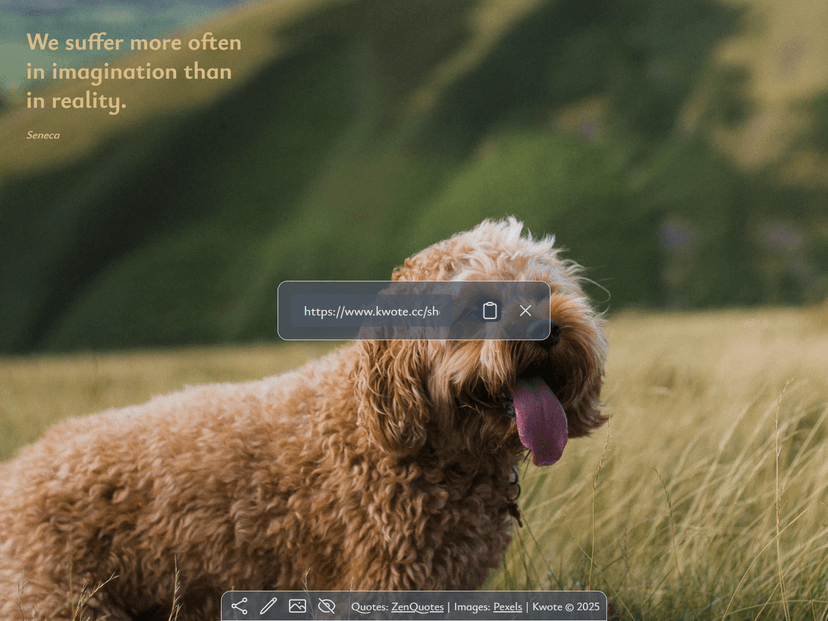
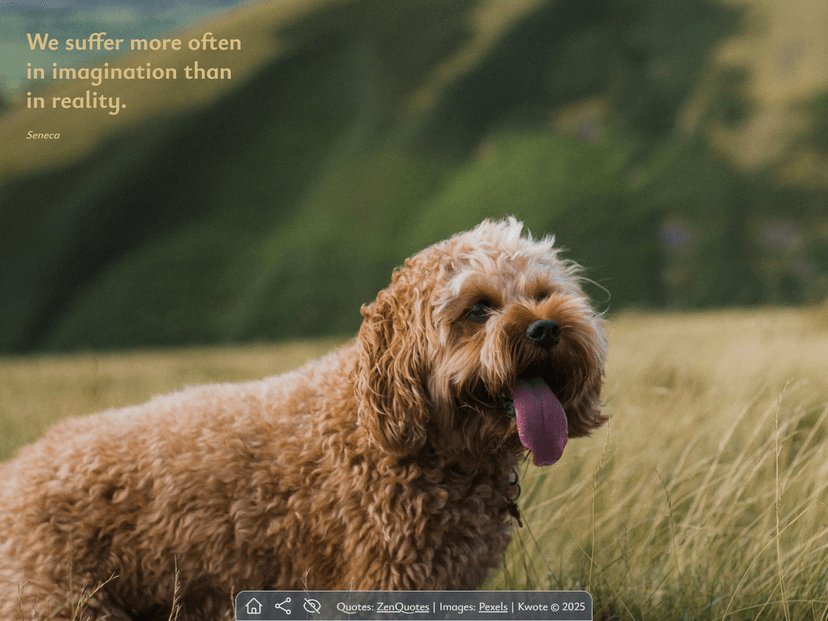
Lock Quotes and Images
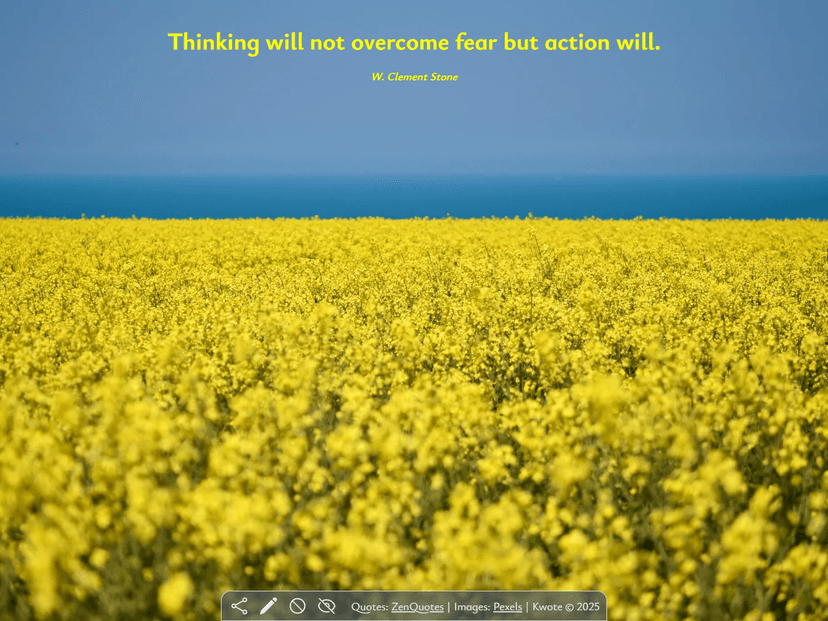
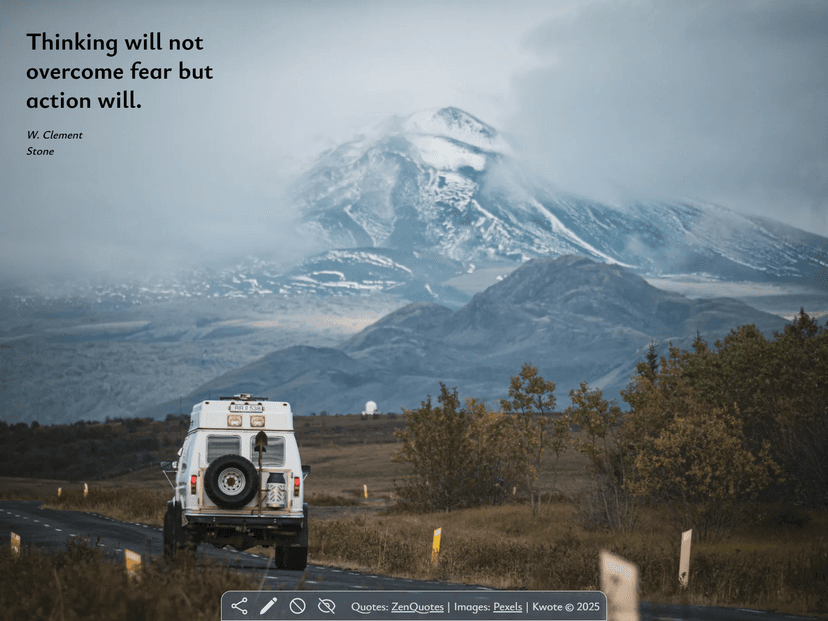
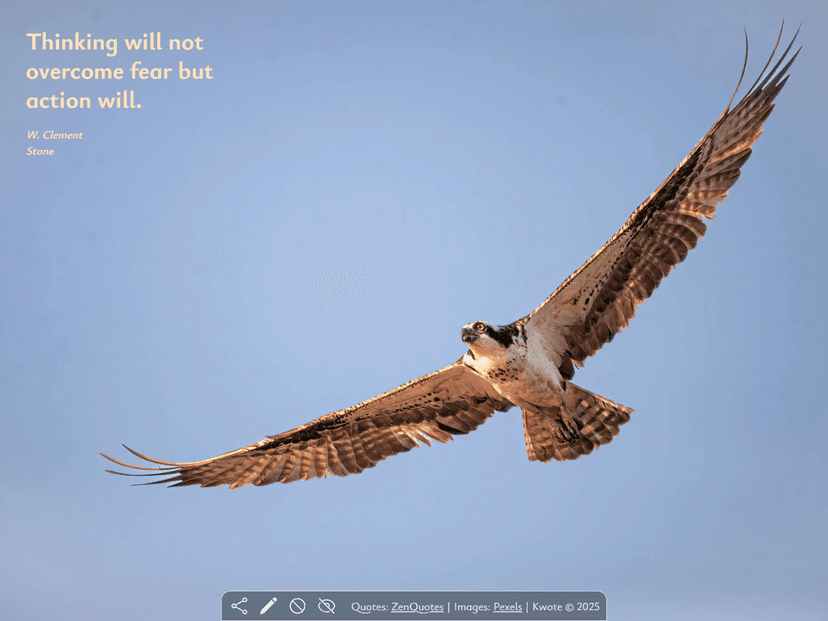
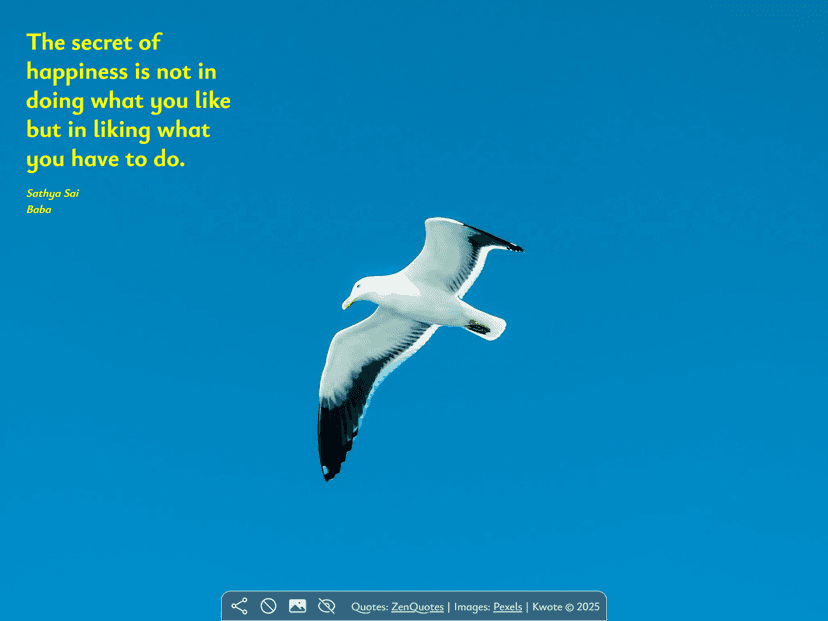
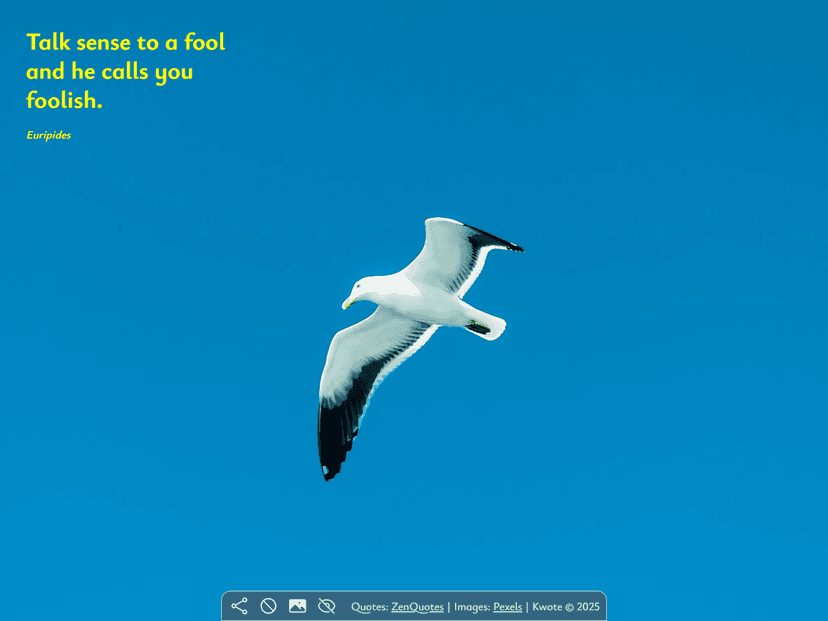
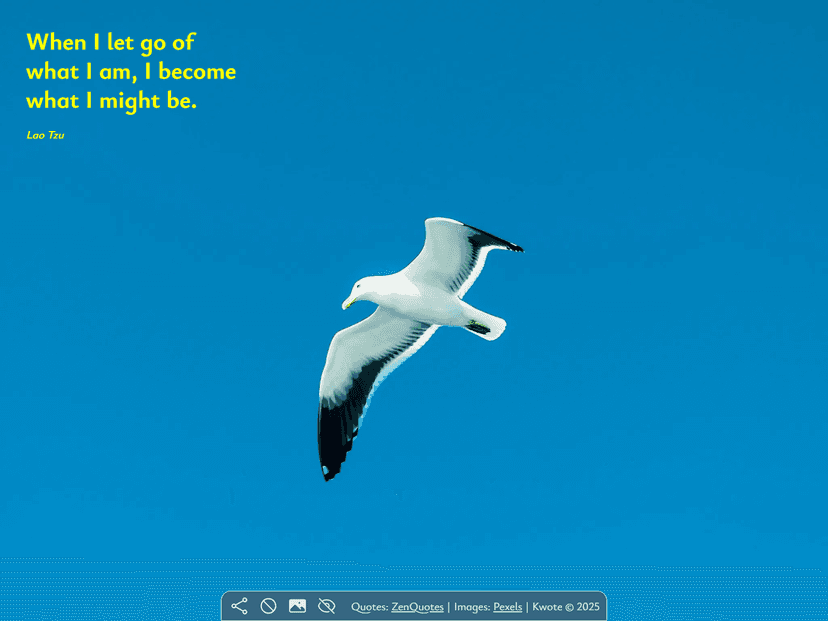
Pressing the lock quote or the lock image button locks it in place. This means you can browse different quotes on the same image or different images with the same quote. This is particularly useful if your looking for a good backdrop to a quote or if you want to find an image that matches the vibe of the quote. Here are some examples. First locking the quote and then locking the image.
Other Updates
- There is a hide button to hide these new buttons and give a clearer view of the image.
- The home screen has been changed and it will be continued to do so regularly.
- The new images have now been compressed and should therefore load faster.
- The configuration of some images has changed and this is ongoing.
- Initial loading has been fixed to remove a double loading bug.
Next I will work on improvements to mobile browsing but this may take some time.